Integrating Dialynx with CRM Systems: A Guide to Salesforce, HubSpot, and Zoho
Dialynx Editorial Team ·
Introduction to Dialynx and CRM Integration
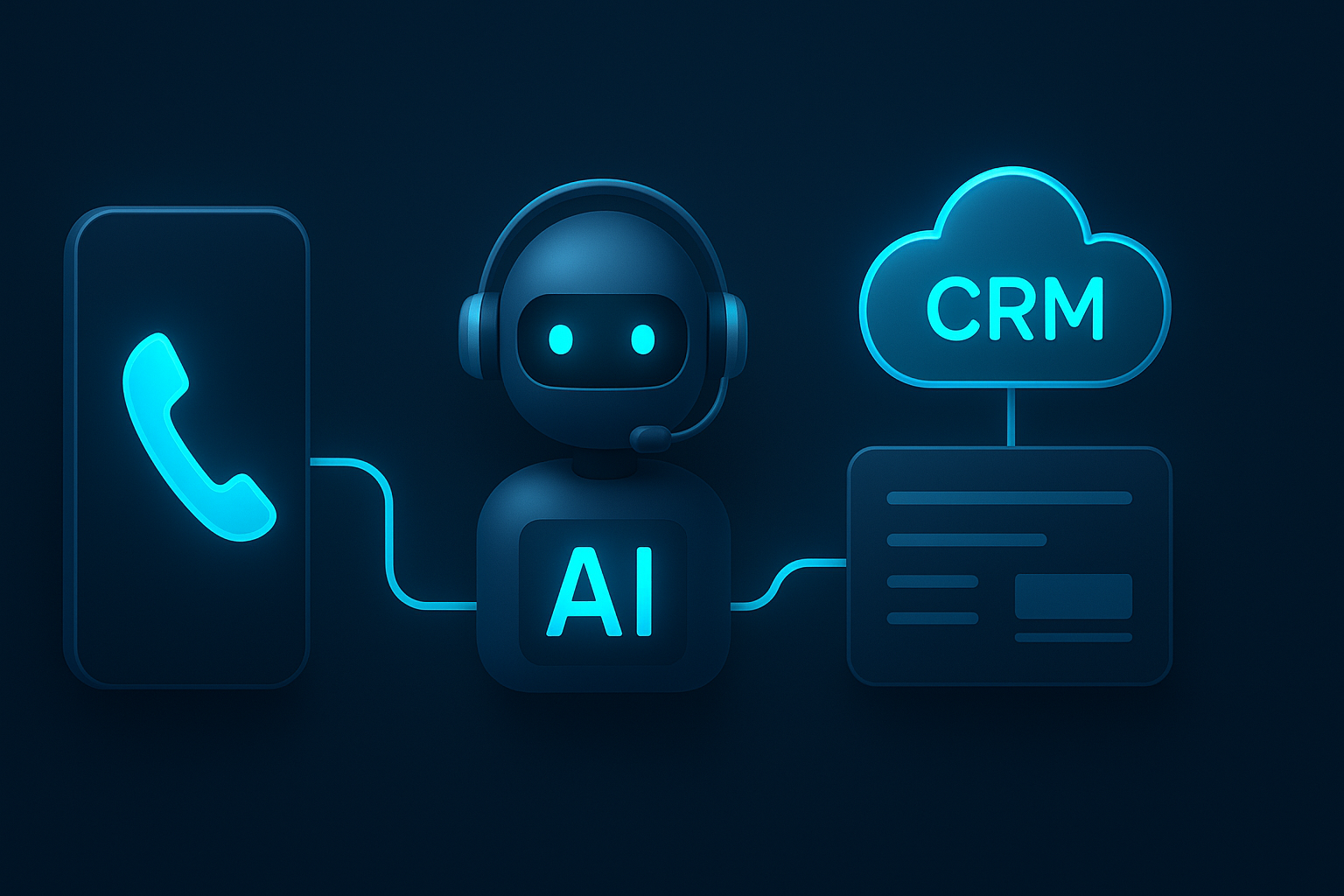
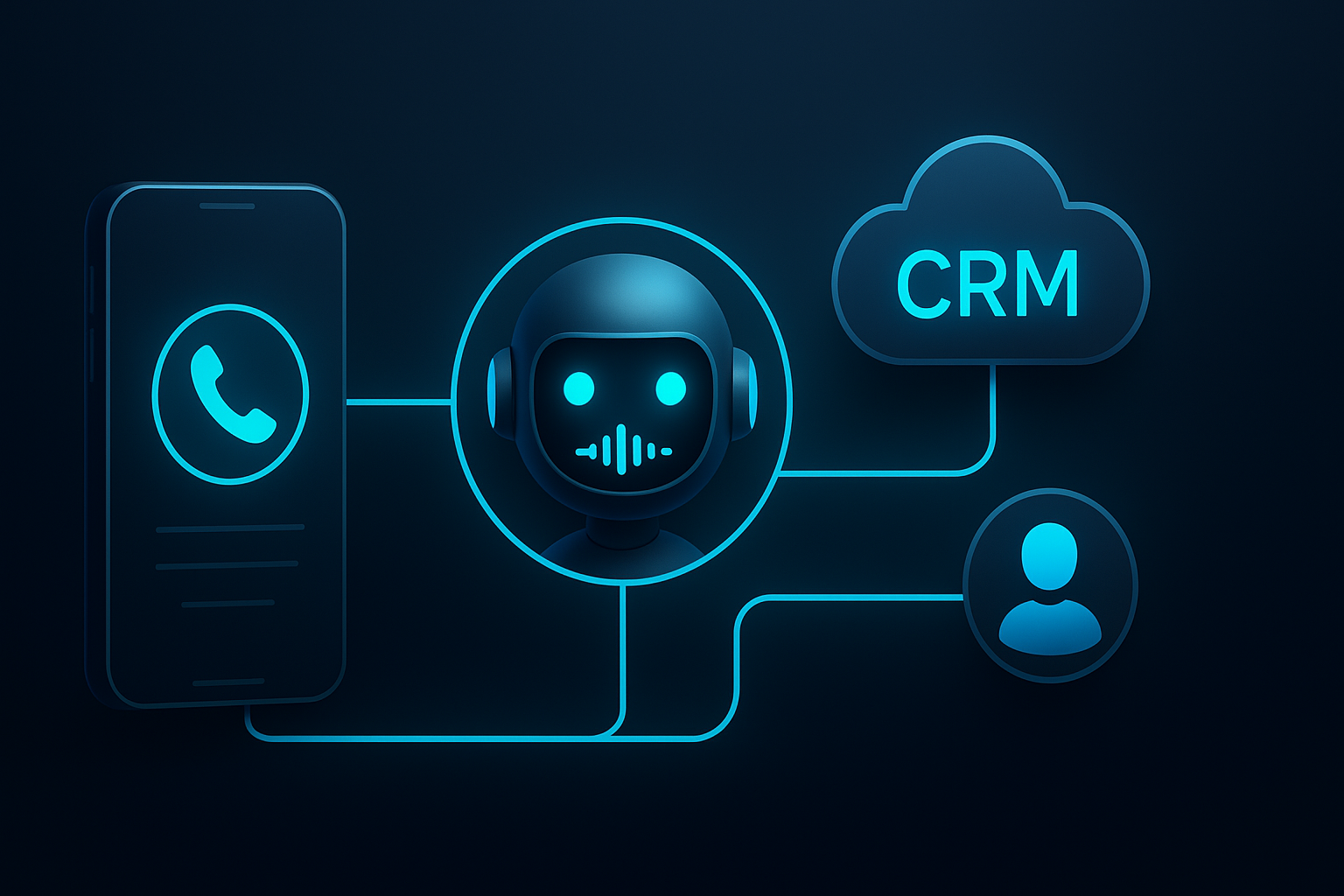
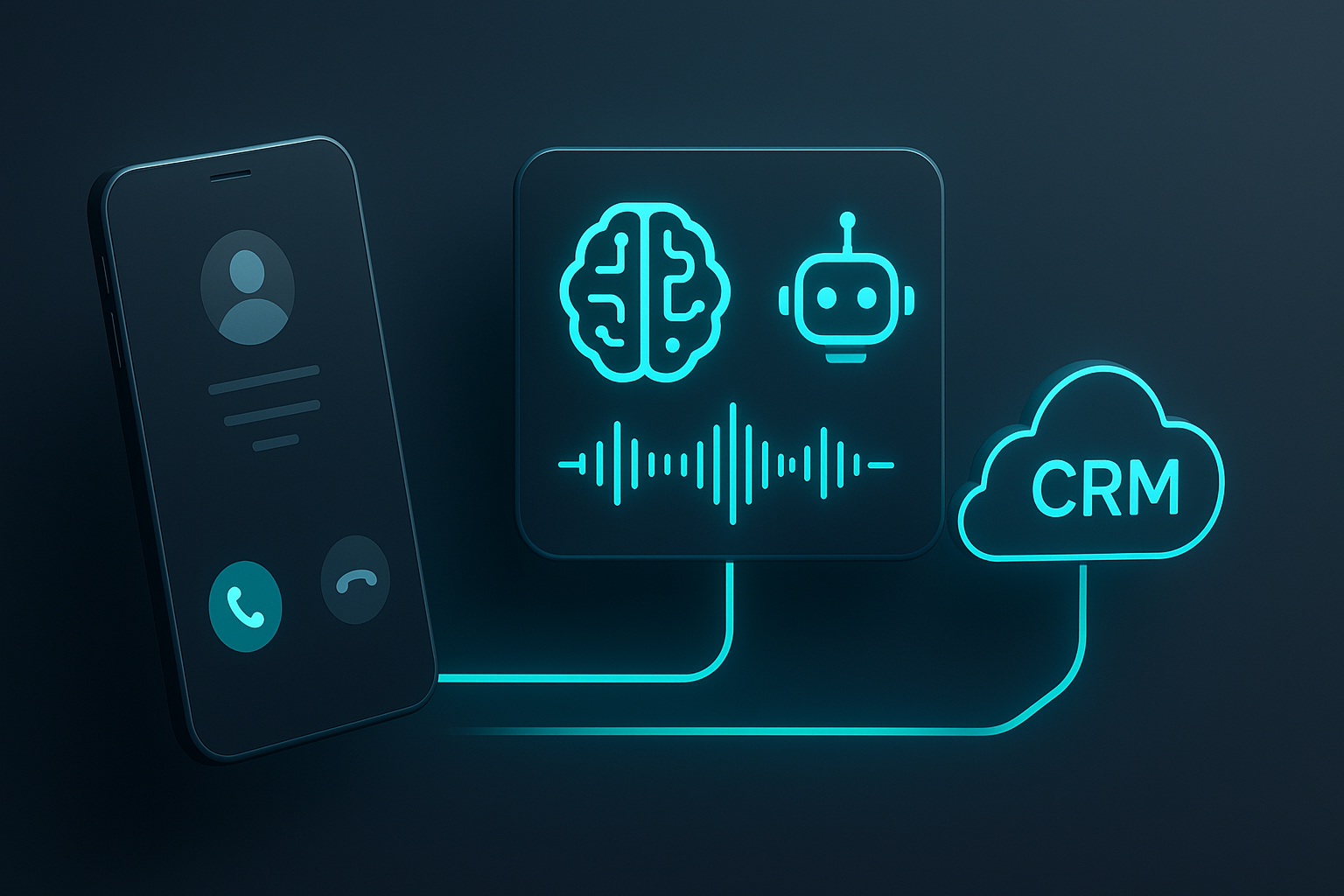
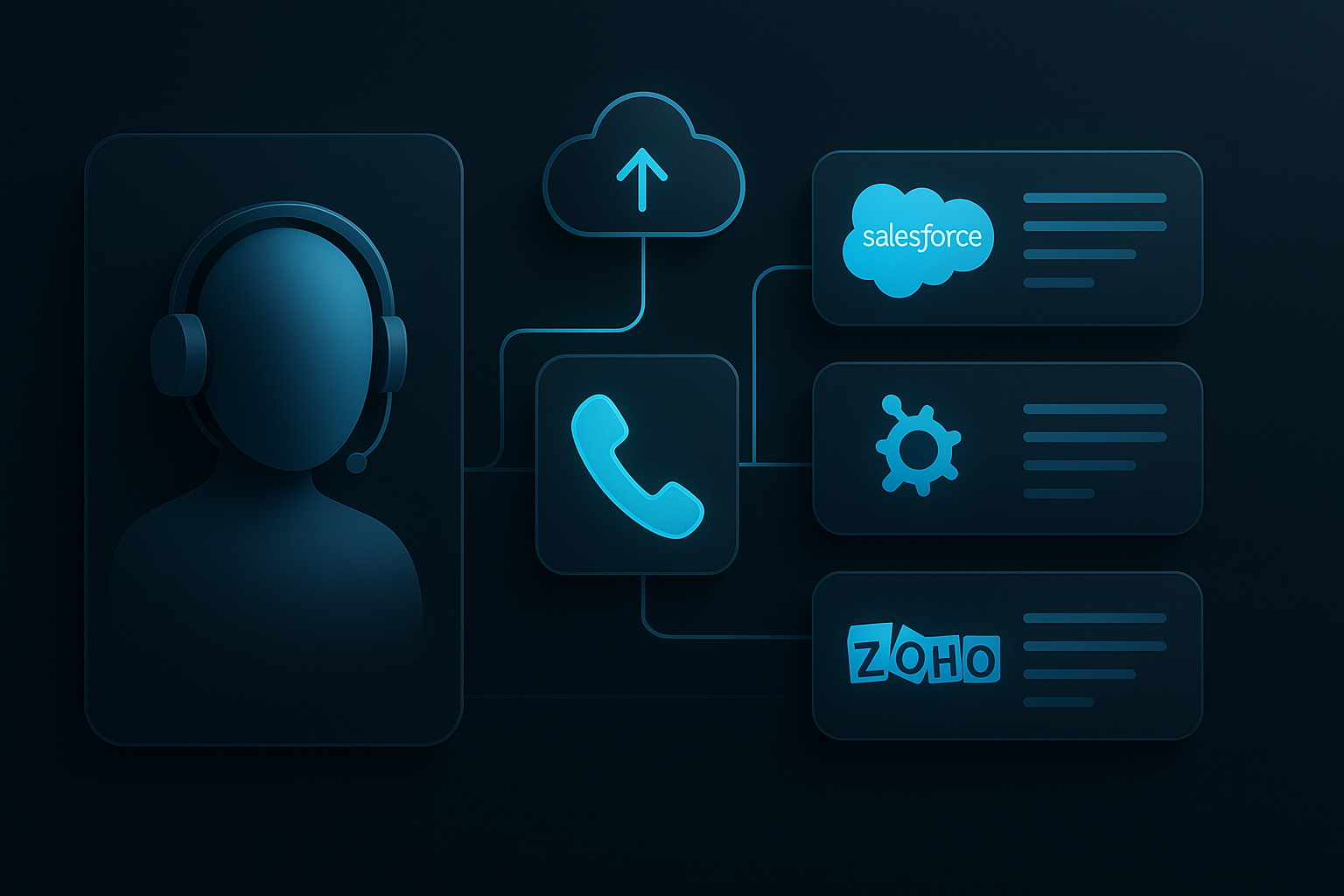
Dialynx is an advanced enterprise solution that leverages AI to automate inbound and outbound voice communications. Integrating Dialynx with CRM systems like Salesforce, HubSpot, and Zoho can significantly enhance customer interaction efficiency and data management. This guide explores how to seamlessly integrate Dialynx with these popular CRM platforms to optimize business operations.
Benefits of Integrating Dialynx with CRM Systems
- Enhanced Customer Engagement: Automate routine communications, allowing your team to focus on high-value interactions.
- Improved Data Accuracy: Automatically log interactions and updates in your CRM, reducing manual entry errors.
- Scalability: Easily manage increased call volumes without additional staffing.
- Cost Efficiency: Reduce operational costs by leveraging AI-driven automation.
Integrating Dialynx with Salesforce
Salesforce is a leading CRM platform known for its extensive customization and integration capabilities. Integrating Dialynx with Salesforce involves several key steps:
- Preparation: Ensure you have administrative access to both Dialynx and Salesforce accounts.
- API Setup: Obtain API credentials from Dialynx. Navigate to Salesforce's Setup menu, search for API, and create a new API connection using the credentials.
- App Installation: Install the Dialynx app from the Salesforce AppExchange. Follow the installation wizard and grant necessary permissions.
- Configuration: In Salesforce, configure Dialynx settings to align with your business processes. This includes mapping fields and setting triggers for automated actions.
- Testing: Conduct a series of test calls to ensure data flows correctly between Dialynx and Salesforce, and interactions are logged accurately.
Integrating Dialynx with HubSpot
HubSpot offers a user-friendly interface with powerful marketing and sales tools. To integrate Dialynx with HubSpot, follow these steps:
- Access Requirements: Confirm you have the necessary permissions to manage integrations in both Dialynx and HubSpot.
- API Key Generation: Generate an API key in HubSpot by navigating to Settings > Integrations > API Key.
- Connection Setup: In the Dialynx dashboard, enter the HubSpot API key to establish a connection.
- Field Mapping: Map Dialynx data fields to corresponding HubSpot fields to ensure seamless data synchronization.
- Automation Configuration: Set up workflows in HubSpot to trigger actions based on Dialynx call events, such as creating tasks or updating contact records.
- Validation: Run integration tests to verify that data is correctly transmitted and recorded in HubSpot.
Integrating Dialynx with Zoho CRM
Zoho CRM is known for its flexibility and robust feature set. To integrate Dialynx with Zoho CRM, perform the following steps:
- Integration Permissions: Check that you have the required permissions in both systems to configure integrations.
- API Configuration: Access Zoho CRM's API console to create a new API client and retrieve the necessary credentials.
- Connecting Dialynx: In the Dialynx interface, input the Zoho CRM API credentials to link the two platforms.
- Data Mapping: Align Dialynx call data with Zoho CRM fields to ensure accurate data capture and logging.
- Workflow Automation: Design Zoho CRM workflows that respond to Dialynx call events, such as sending follow-up emails or updating lead statuses.
- Testing Procedures: Execute test scenarios to confirm that the integration is functioning as expected and data is accurately reflected in Zoho CRM.
Best Practices for Successful Integration
- Regular Updates: Keep both Dialynx and your CRM systems updated to the latest versions to ensure compatibility and security.
- Data Hygiene: Regularly clean and validate your CRM data to maintain accuracy and reliability.
- Training: Provide comprehensive training to your team on using the integrated system to maximize its benefits.
- Monitoring and Support: Continuously monitor the integration performance and have a support plan in place to address any issues promptly.
Conclusion
Integrating Dialynx with CRM systems like Salesforce, HubSpot, and Zoho can transform your customer relationship management by streamlining communication and enhancing data accuracy. By following the outlined steps and best practices, businesses can achieve a seamless integration that supports their operational goals and improves customer engagement.
Frequently Asked Questions
What is Dialynx?
Dialynx is an enterprise solution that uses AI to automate inbound and outbound voice communications, enhancing customer interaction efficiency.
Why integrate Dialynx with CRM systems?
Integrating Dialynx with CRM systems helps automate communication processes, improve data accuracy, and enhance customer engagement while reducing operational costs.
How do I start integrating Dialynx with Salesforce?
Begin by ensuring you have administrative access, setting up API connections, installing the Dialynx app from Salesforce AppExchange, and configuring settings to match your business processes.
What are the benefits of using Dialynx with HubSpot?
Using Dialynx with HubSpot allows for seamless data synchronization, automated workflows, and improved customer interaction management through AI-driven voice automation.
How can I ensure a successful integration with Zoho CRM?
Ensure successful integration by checking permissions, configuring APIs correctly, mapping data fields, setting up automated workflows, and conducting thorough testing.
Automate Your Phone Operations with Dialynx
Deploy custom AI inbound receptionists and outbound sales agents that sound human, qualify leads 24/7, and sync with your CRM.